Three wallets, one referral tree and a handful of menu items. That's what a new investor sees the first time they log in to the RAFY Capital dashboard, and each part has a specific job.
The panel isn't complicated. Still, first-time users tend to ask the same questions: which balance can I withdraw, where do I activate a plan, and how do I find my referral link? This guide goes through the dashboard one section at a time, in the order most new members use it.
If you haven't opened an account yet, start with How RAFY Capital Works: A Simple Guide to Getting Started. This article starts at the point where that one ends: you're signed in and looking at your panel.
Here's what we'll cover:
- The overview screen and the three wallet cards
- Funding your account and activating an investment plan
- Tracking returns and your transaction history
- The referral section and its four commission tiers
- Withdrawals and account settings
<!-- SCREENSHOT 1: Full dashboard overview after login (XAU screenshot). Alt text: RAFY Capital dashboard overview showing the three wallet balances -->
What the RAFY Capital dashboard shows on first login
The landing screen is a summary. The main menu sits along the side or top. The centre of the page shows your balances, your active plans and a short list of recent activity.
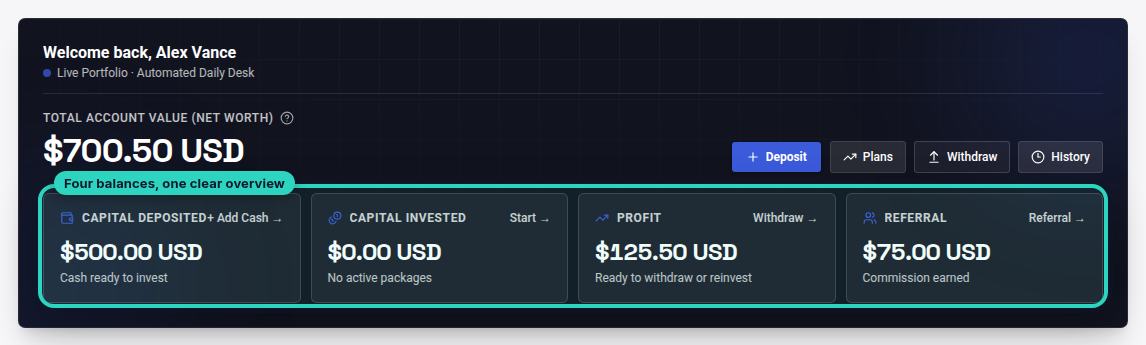
The wallet cards are the most important part. RAFY Capital doesn't give you a single combined balance. Your funds are kept in three separate wallets, and each one has its own rules. If you understand those three cards, the rest of the panel is straightforward.
The three wallet cards, explained
Each card answers a different question. The deposit wallet holds money you've added so it can go into a plan, and it can't be withdrawn. The interest wallet collects the returns your plans earn. The referral wallet collects commission from people you've invited.
| Wallet | What it holds | Withdrawable? |
|---|---|---|
| Deposit | Funds added to invest in plans | No, used for investing |
| Interest / profit | Returns generated by active plans | Yes, from $10 |
| Referral commission | Earnings from your referral network | Yes, from $50 |
<!-- SCREENSHOT 2: Close-up of the three wallet cards (XAU screenshot). Alt text: Deposit, interest and referral wallet balances in the RAFY Capital panel -->
Keeping the wallets separate means you can always see where each dollar came from. Profit doesn't mix with your principal, and referral income is recorded on its own.
Step by step: funding and activating a plan in the RAFY Capital dashboard
Most new members do this first. The steps are the same every time:
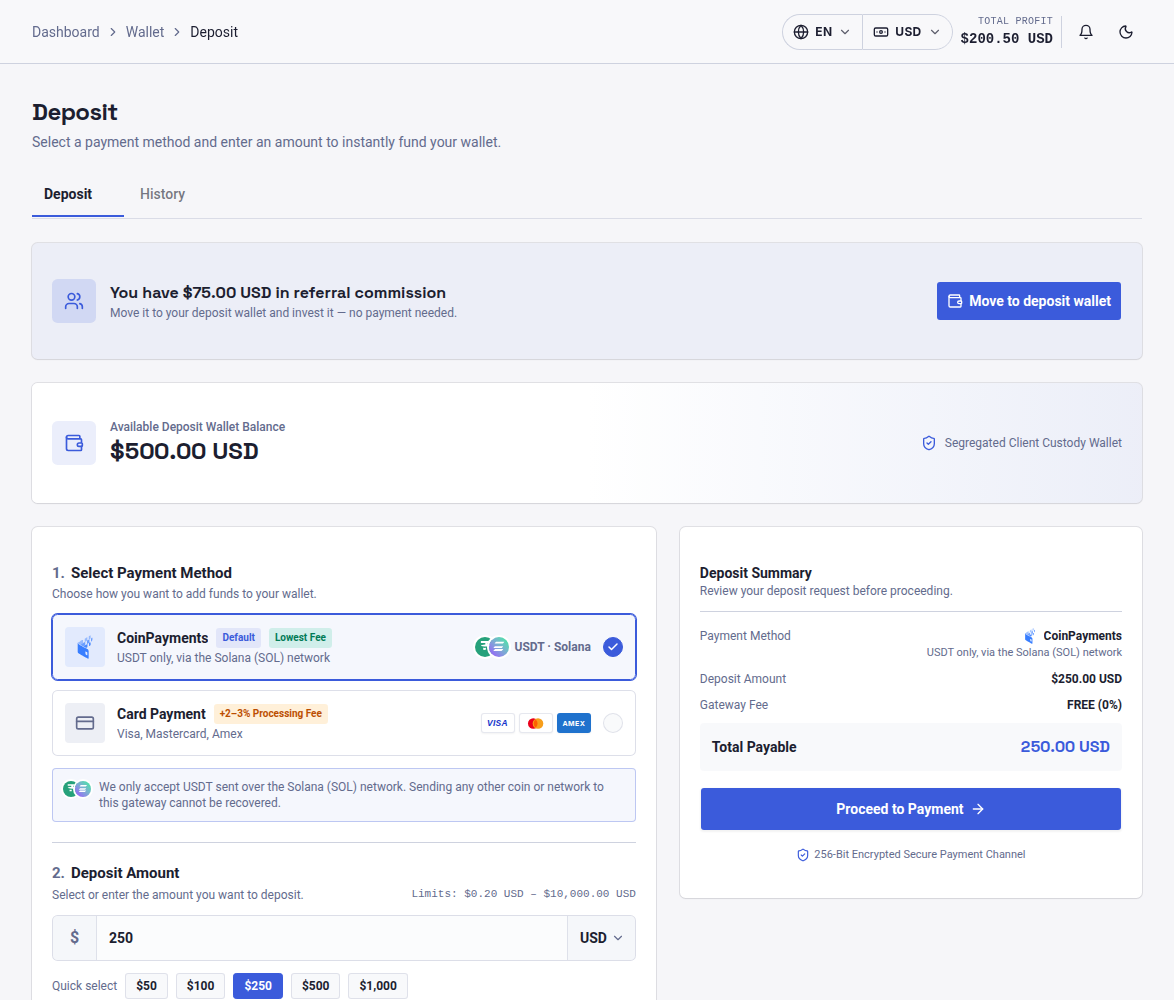
- Open the Deposit section from the main menu.
- Choose your payment method and enter the amount you want to add.
- Complete the payment using the instructions shown on screen.
- Once the deposit is confirmed, check that the funds appear on your deposit wallet card.
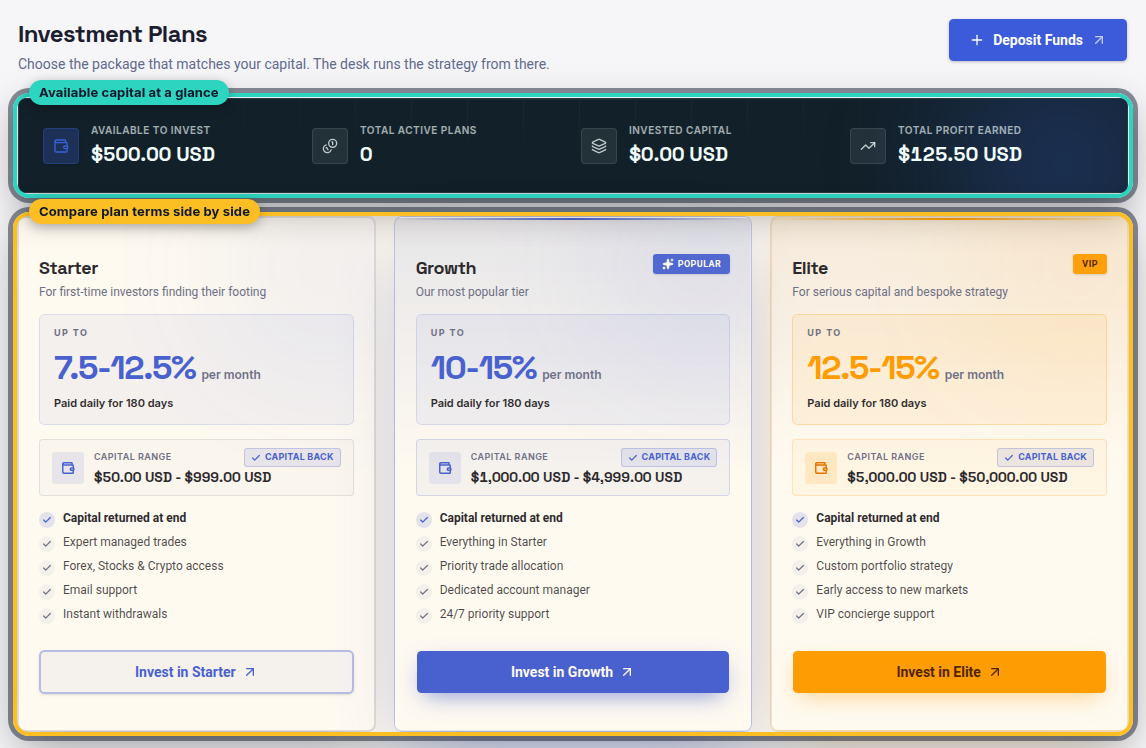
- Go to Investment Plans, compare the options and select one.
- Enter the amount to invest and confirm. The plan then appears under your active plans.
<!-- SCREENSHOT 3: Investment Plans page with plan options (XAU screenshot). Alt text: Choosing an investment plan in the RAFY Capital dashboard -->
For example, if you deposit $500 you might put all of it into one plan, or split it between two plans with different terms. The panel shows each active plan separately, along with its own progress.
Tracking returns and your transaction history
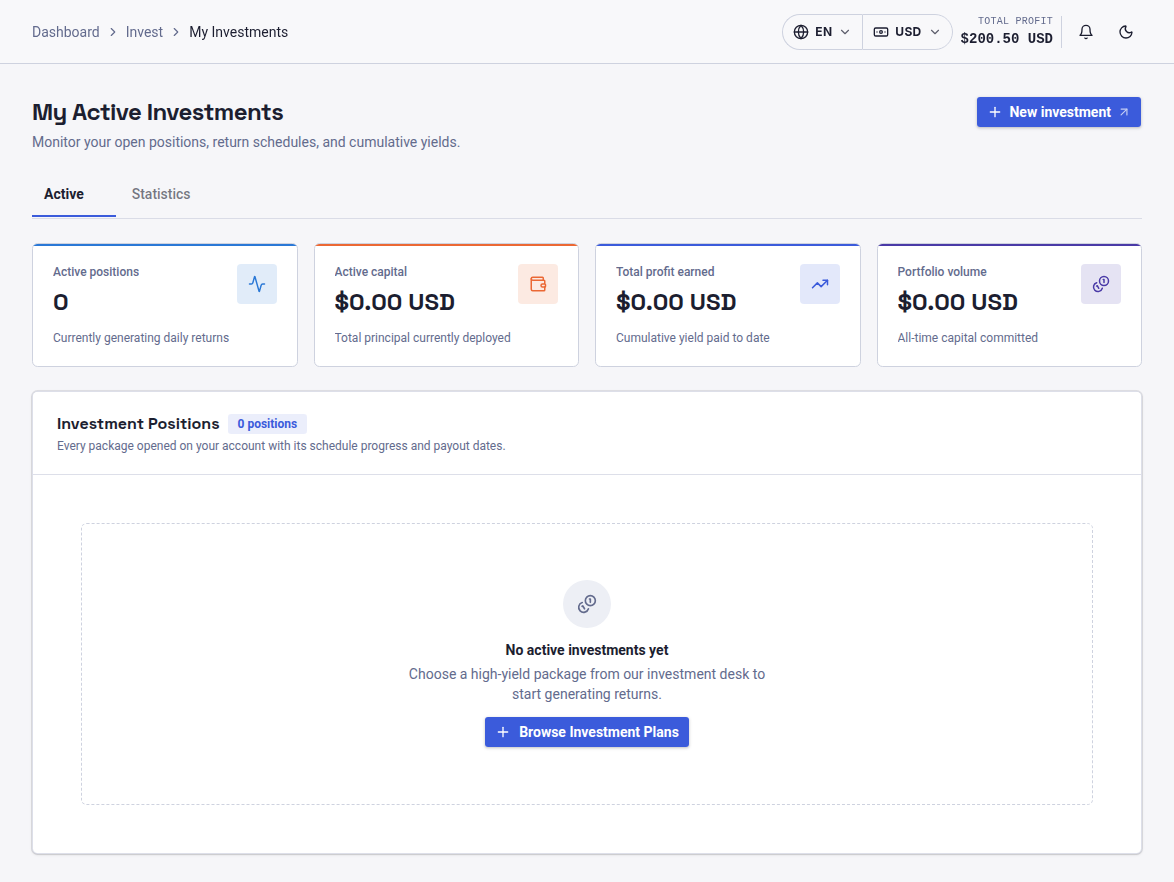
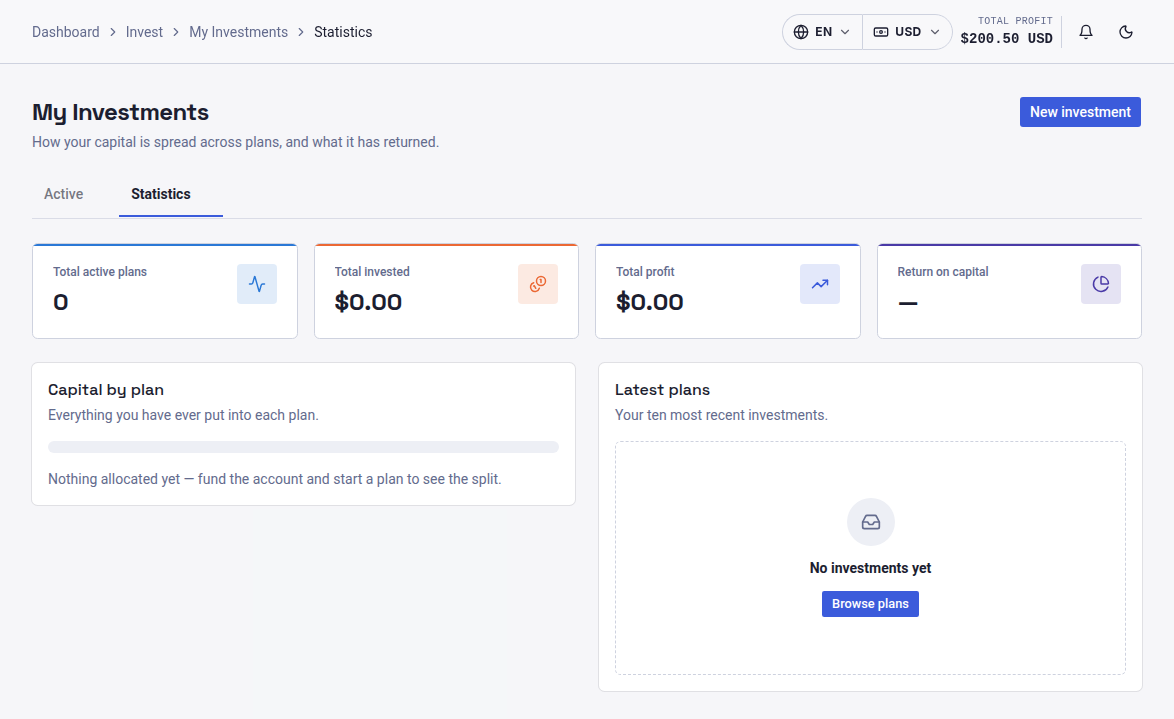
When a plan is running, its returns are credited to your interest wallet. The active plans area shows what you've invested and how each plan is progressing.
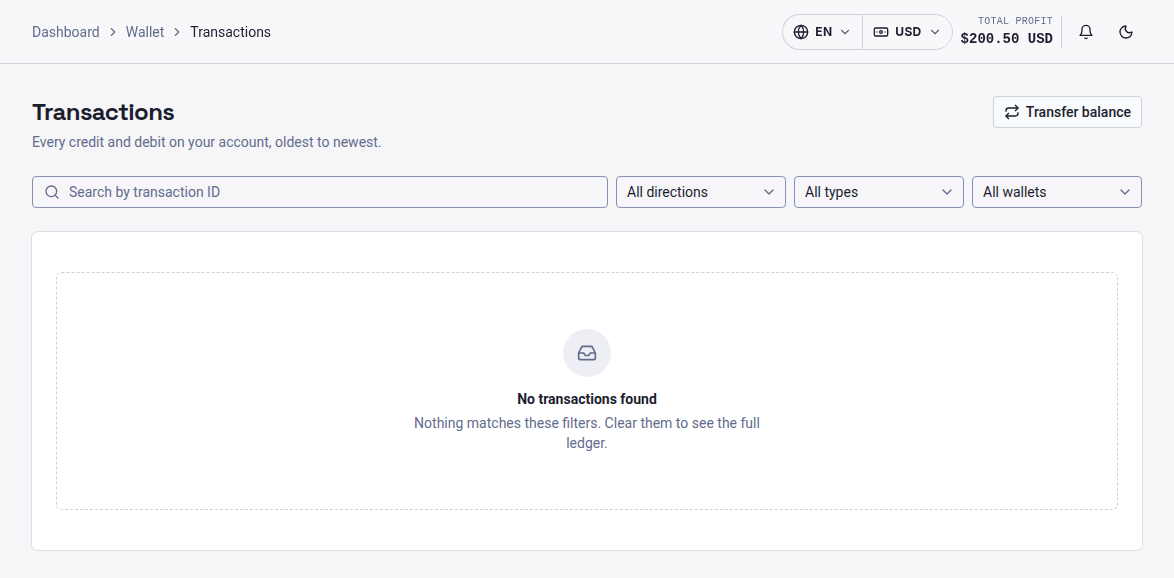
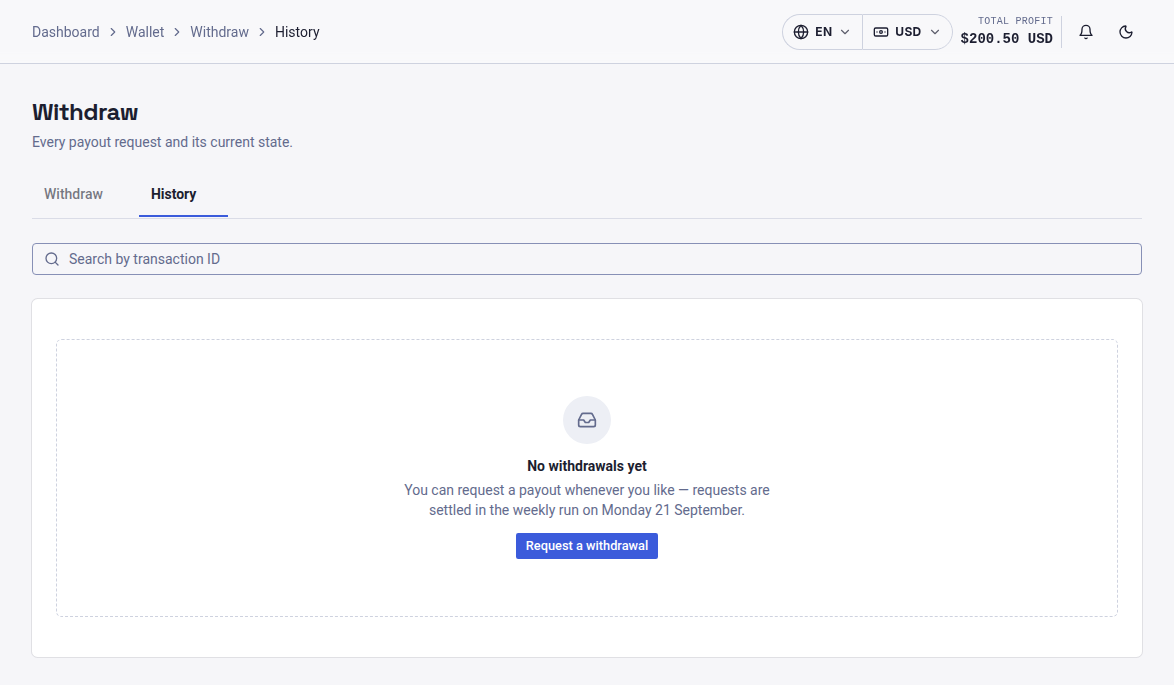
For a full record, open the transaction history. It lists every deposit, plan activation, profit credit, referral commission and withdrawal, each with a date. It's the quickest way to check that everything adds up, and it's useful to keep for your own records.
<!-- SCREENSHOT 4: Transaction history table (XAU screenshot). Alt text: RAFY Capital transaction history listing deposits, profits and withdrawals -->
Some investors withdraw their profit as it builds up. Others put it back into new plans. If you're thinking about reinvesting, How Compound Growth Works for Long-Term Investors shows how that decision can play out over time.
The referral section and its four commission tiers
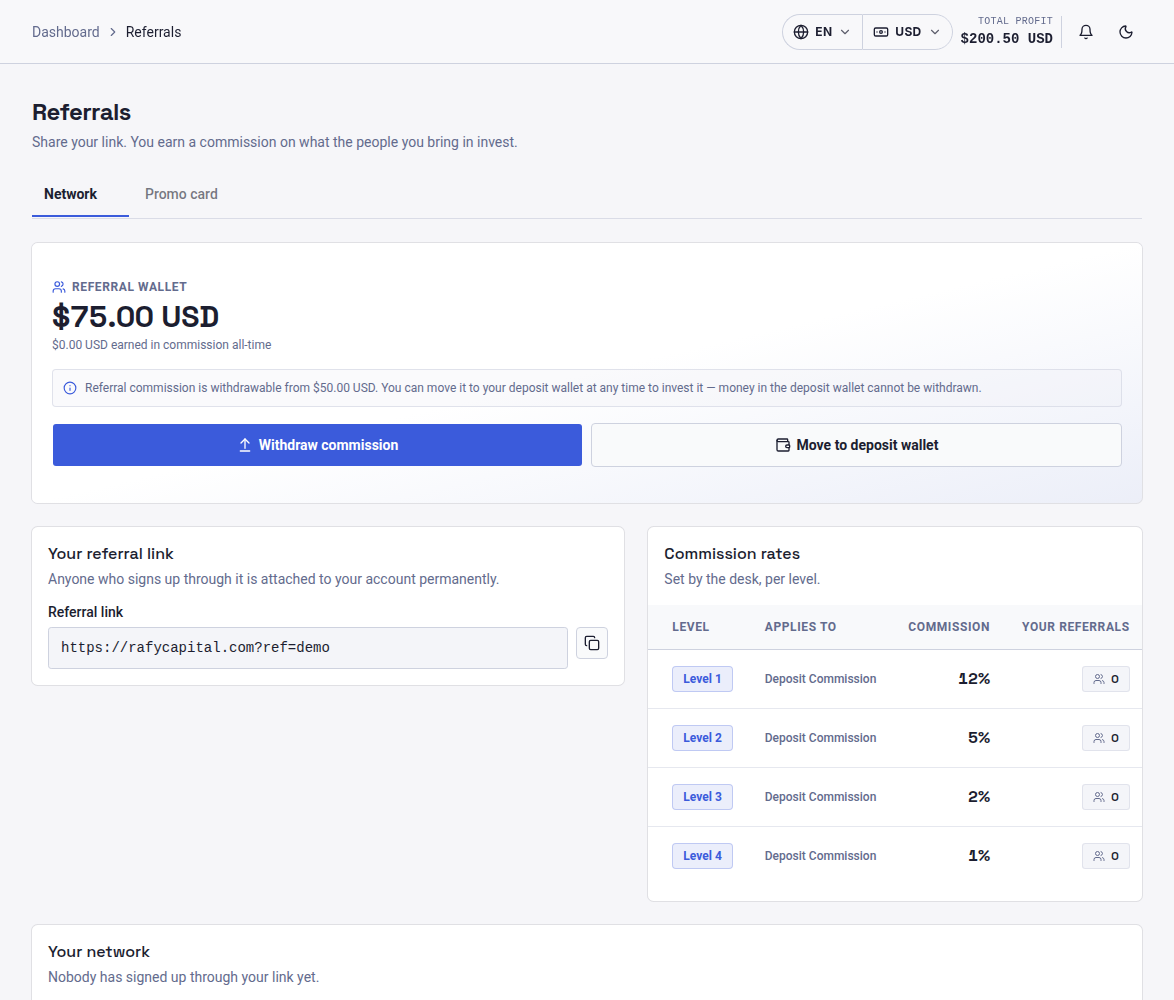
The referral page is where your personal referral link is kept. Copy it and share it with anyone who might want to join. When they sign up through your link and invest, you earn commission.
The program pays across four levels, which means you also earn from people your referrals invite:
A fourth level pays 1%. Here's an illustrative example: if someone you referred directly invests $1,000, the Level 1 rate works out to $120 in commission. That amount is credited to your referral wallet. The section also lists your network by level, so you can see who has joined.
<!-- SCREENSHOT 5: Referral page showing referral link and network levels (XAU screenshot). Alt text: RAFY Capital referral link and multi-level network overview -->
Withdrawals and account settings in the RAFY Capital dashboard
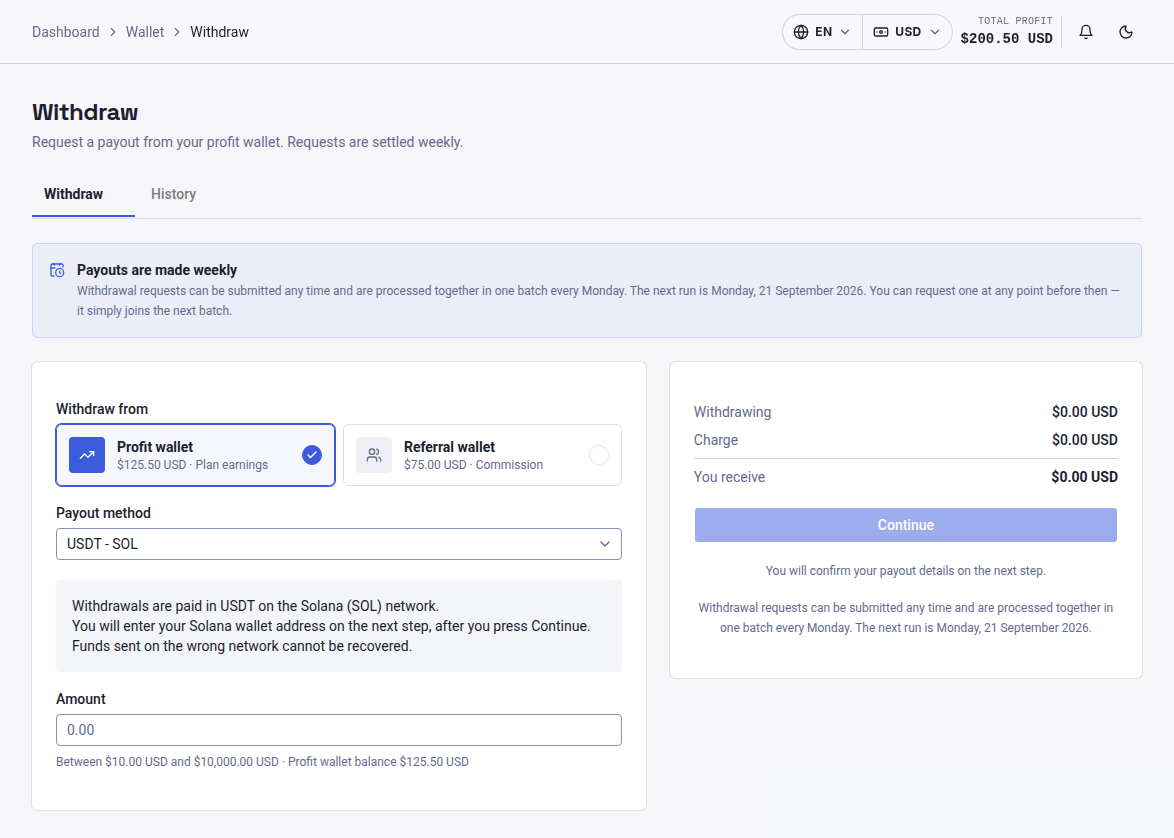
The Withdraw section lets you choose which wallet to withdraw from. The interest wallet can be withdrawn once it reaches $10. The referral wallet can be withdrawn from $50. Choose the wallet, enter the amount and your payout details, and submit. The request will then show in your transaction history.
For more detail on how each wallet's withdrawal works, see Understanding RAFY Capital Withdrawals: Wallets and Minimums.
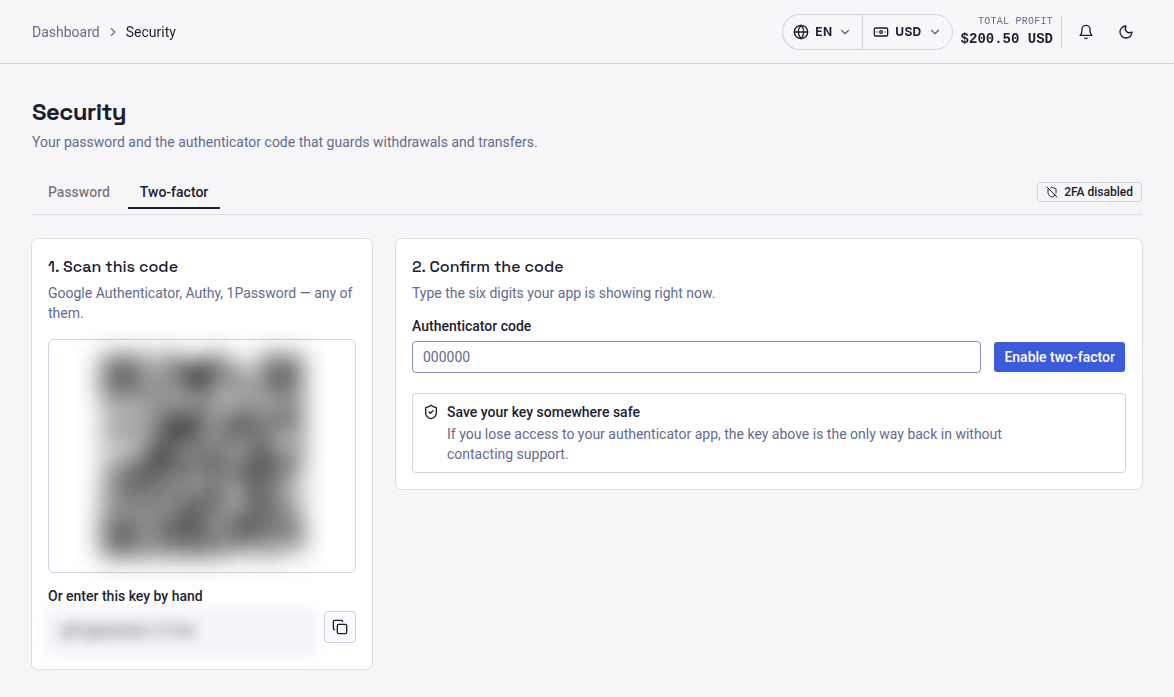
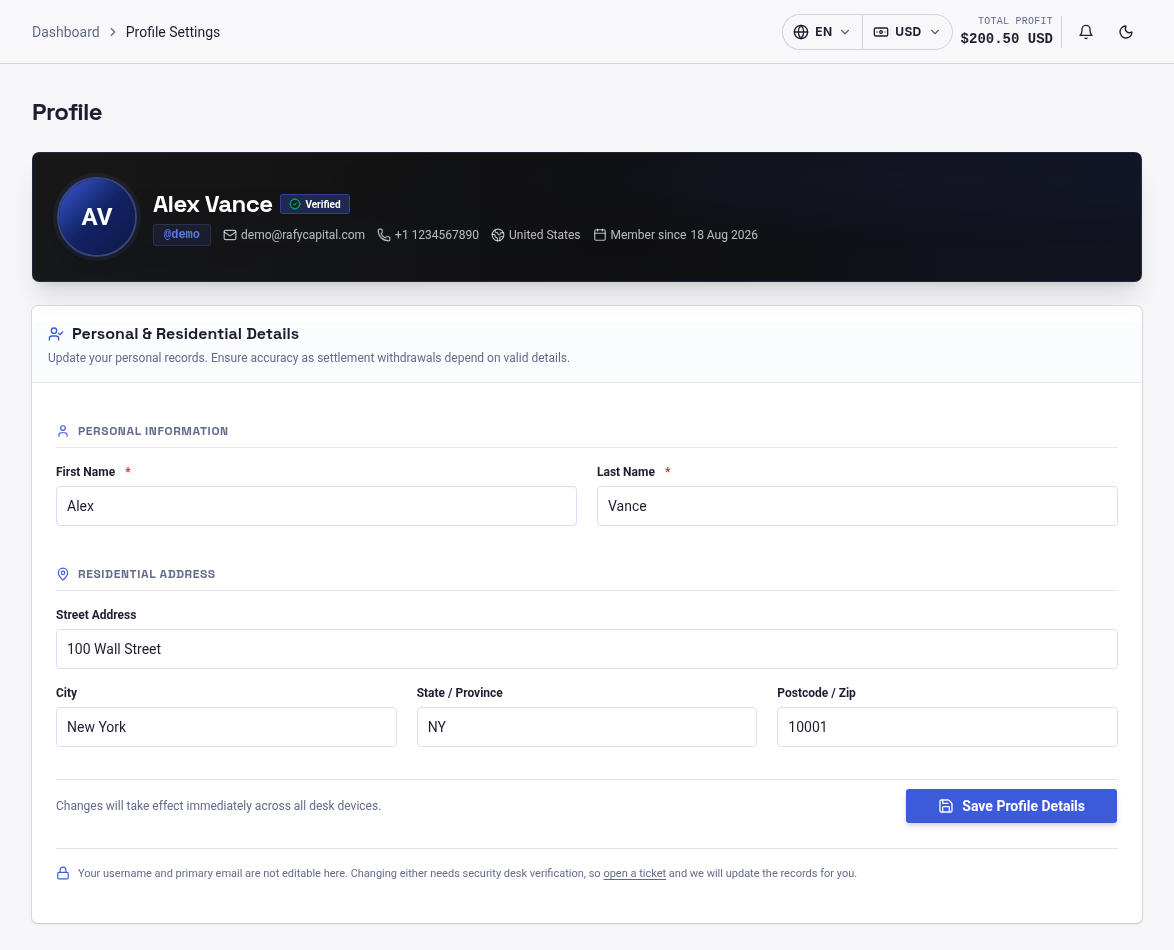
The profile and settings area holds your personal details and security options. Check that your contact information is correct early on, and set a strong, unique password.
<!-- SCREENSHOT 6: Withdraw page with wallet selector (XAU screenshot). Alt text: Selecting a wallet to withdraw from in the RAFY Capital dashboard -->
Every screen in the panel ties back to three wallets. Once you know which wallet a number belongs to, the rest of the dashboard follows from there.
Your next step
You now know what each part of the panel does: funding, plans, tracking, referrals and withdrawals. The next step is to use it. Log in at RAFY Capital, look through the available investment plans and choose one that suits your goals. Then copy your referral link from the dashboard and start building your network across all four tiers.